Know your network.
Down to the last splice.
SpliceMap is a fiber optic network management system that keeps one accurate, verified map of your GPON or EPON network — cabinets, ODFs, closures, ducts, and every connection between them — so planners and field technicians always work from the same source of truth.
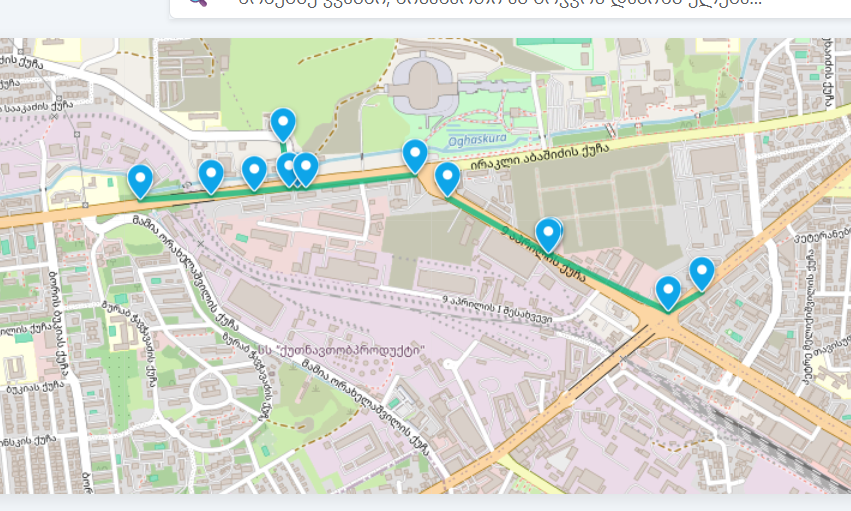
The network isn't just fiber. It's ODFs, closures, and every connection between them.
In a GPON or EPON network, a single strand leaving the OLT passes through an ODF, splits at a passive splitter, and gets joined again and again inside splice closures on its way to the subscriber. One mislabeled port or bad connection doesn't affect one customer — it can take down an entire branch.
SpliceMap keeps a live, verified map of your entire optical distribution network: ODF port assignments, the location and fill of every closure, and the connections that tie them together — matched against what's actually in the field.
Planners see the whole PON network. Technicians see exactly the closure or ODF they're standing in front of. Everyone works from the same source of truth.
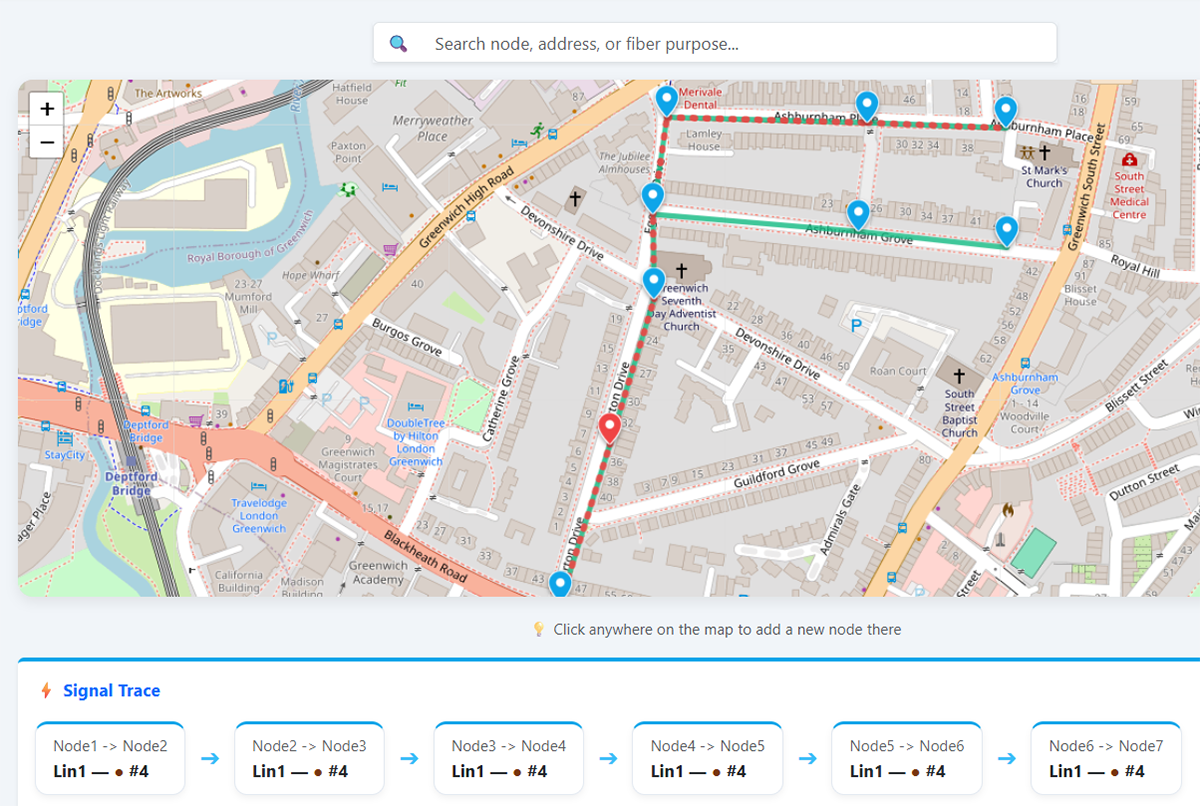
Everything the network team needs, in one place.
One shared record for your whole GPON, EPON, or fiber optic network — no spreadsheets, no out-of-date diagrams passed around by email.
Optical network map
An interactive map traces every path from OLT to subscriber — ODFs, splitters, closures, and cable runs — and updates as the network grows.
Splice closures
Every closure is on the map with its location, fiber count, and current fill, so planners know exactly how much capacity is left before a truck rolls out.
ODF management
Track port assignments on every distribution frame — what's patched, what's free, and which cable it feeds — without walking the rack to check.
Connection records
Each fiber-to-fiber connection, inside a closure or across an ODF, is recorded and checked against the physical route so mismatches surface before they cause an outage.
Role-based access
Technicians, planners, and administrators each see exactly what their role needs — nothing more, nothing hidden.
Activity logging
Every change is recorded — who touched what, when, and why — giving the team a full, searchable history.
Works as an app (PWA)
Install SpliceMap on a phone, tablet, or desktop for an app-like experience in the field, without needing a separate mobile build.
Planning mode
Draft new cabinets, ODFs, and routes on a separate planning layer before anything goes live, so proposed builds never get confused with what's actually deployed.
OTDR fault localization
Import OTDR trace data and pinpoint exactly where a break or high-loss event sits along the route, mapped straight to the closure or span responsible.
Duct & conduit tracking
Track the physical ducts and conduits each cable run travels through, including fill and capacity, so civil works and fiber planning stay in sync.
Subscriber binding
Bind subscriber accounts directly to the ONU or drop that serves them, so a support call traces straight back to the exact port and closure involved.
In-building vertical mapping
Map fiber runs floor by floor inside multi-story buildings — risers, in-building splices, and unit-level drops — the same way you map outside plant.
SpliceMap, in the field and at the desk.
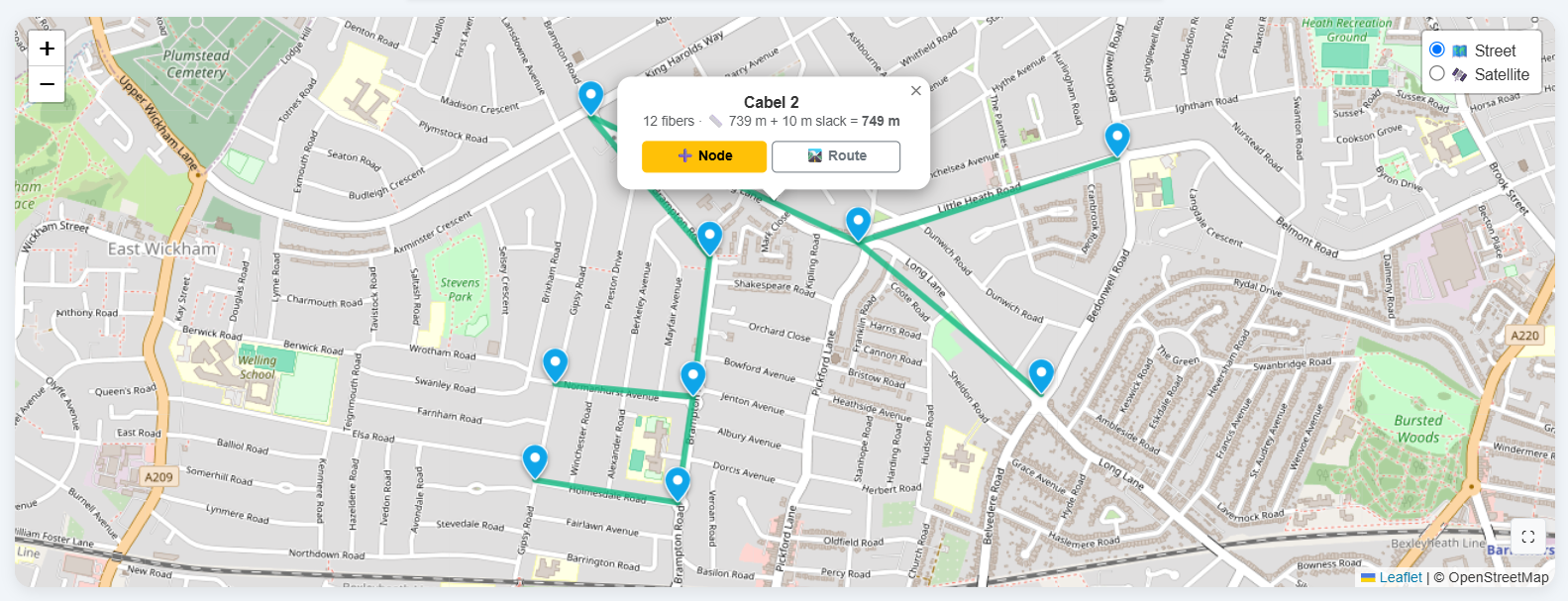
Optical cable info
01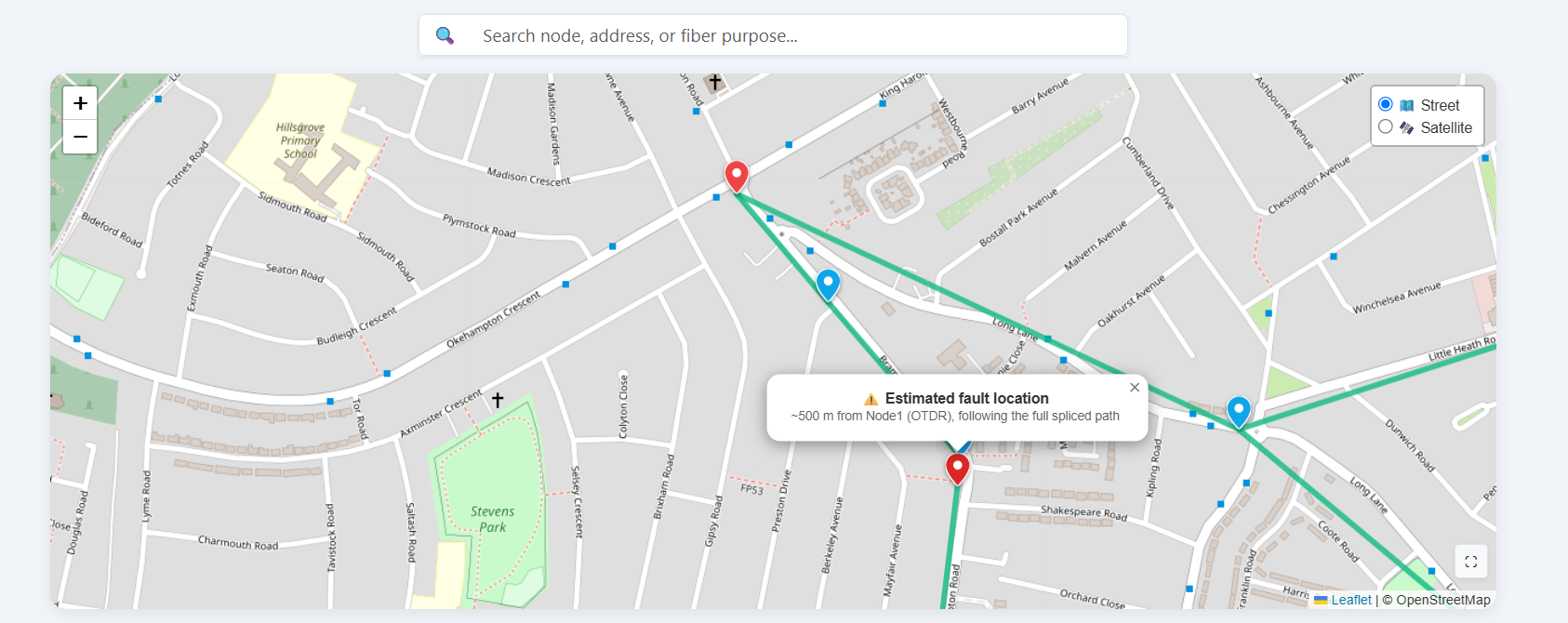
Fault Location
02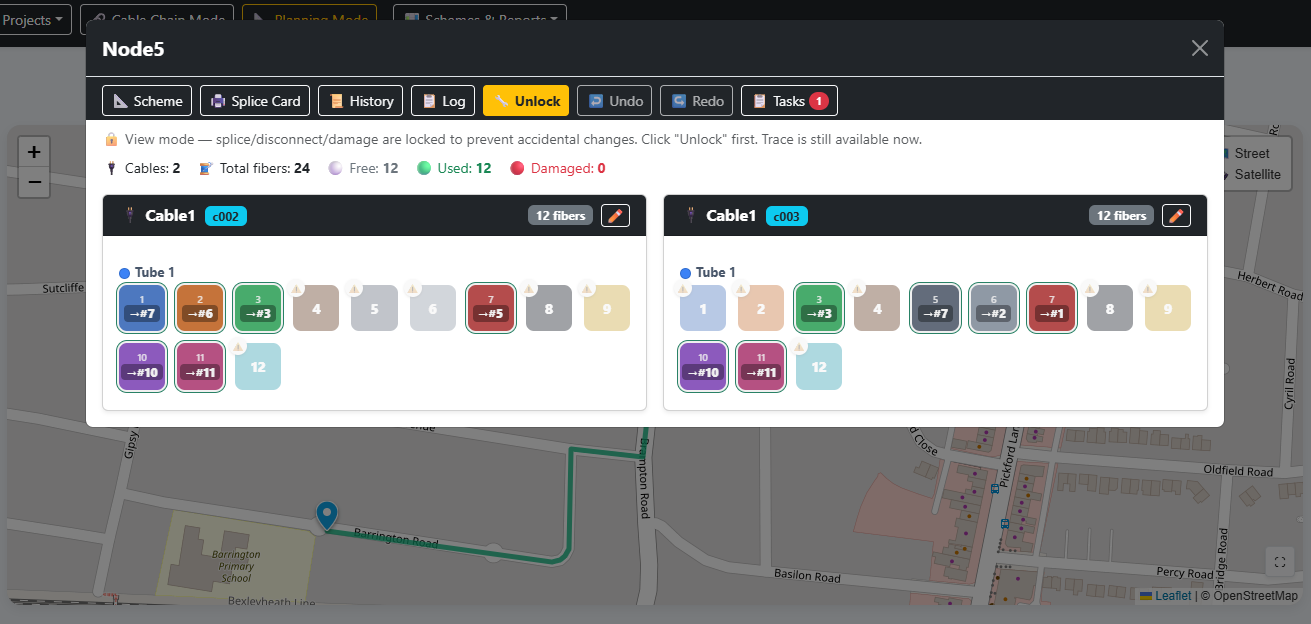
Node management
03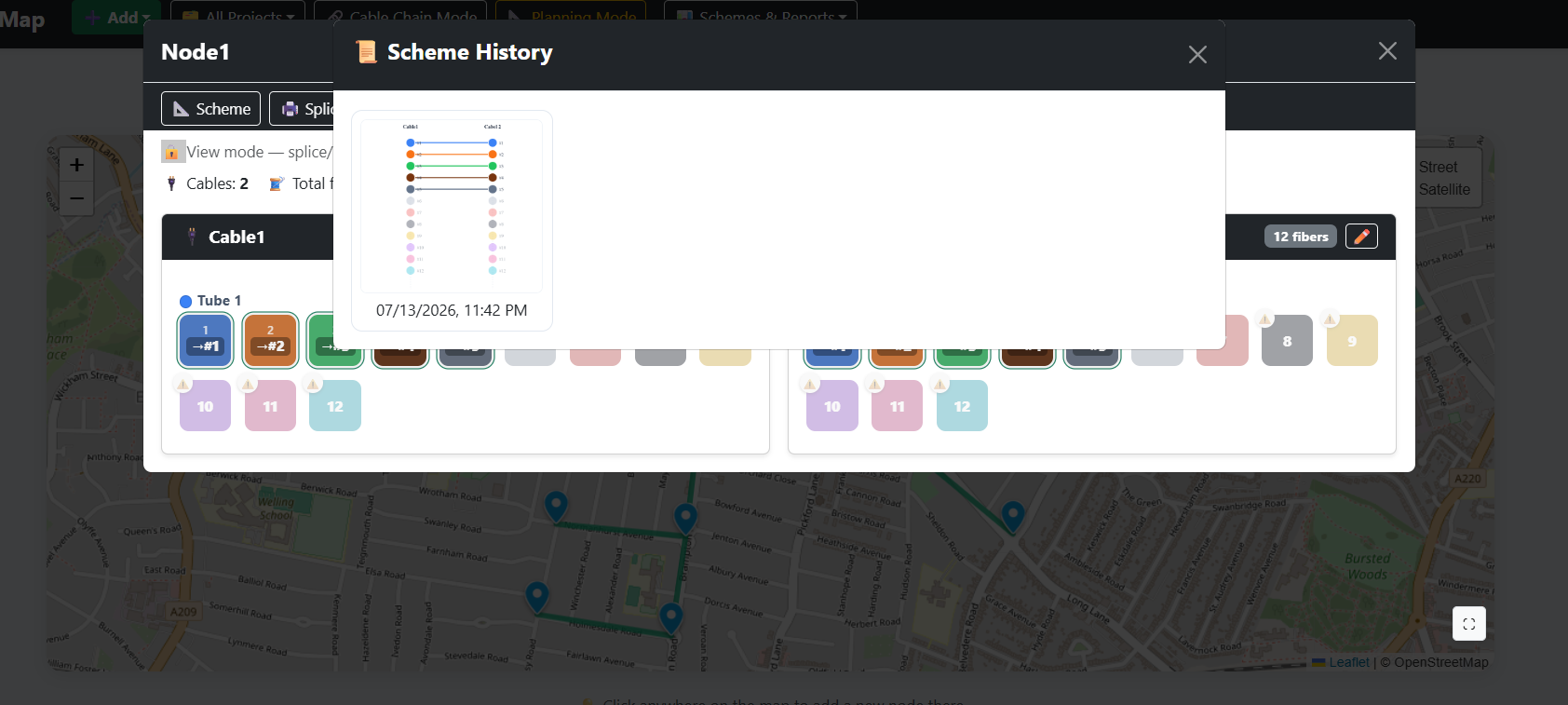
Scheme history
04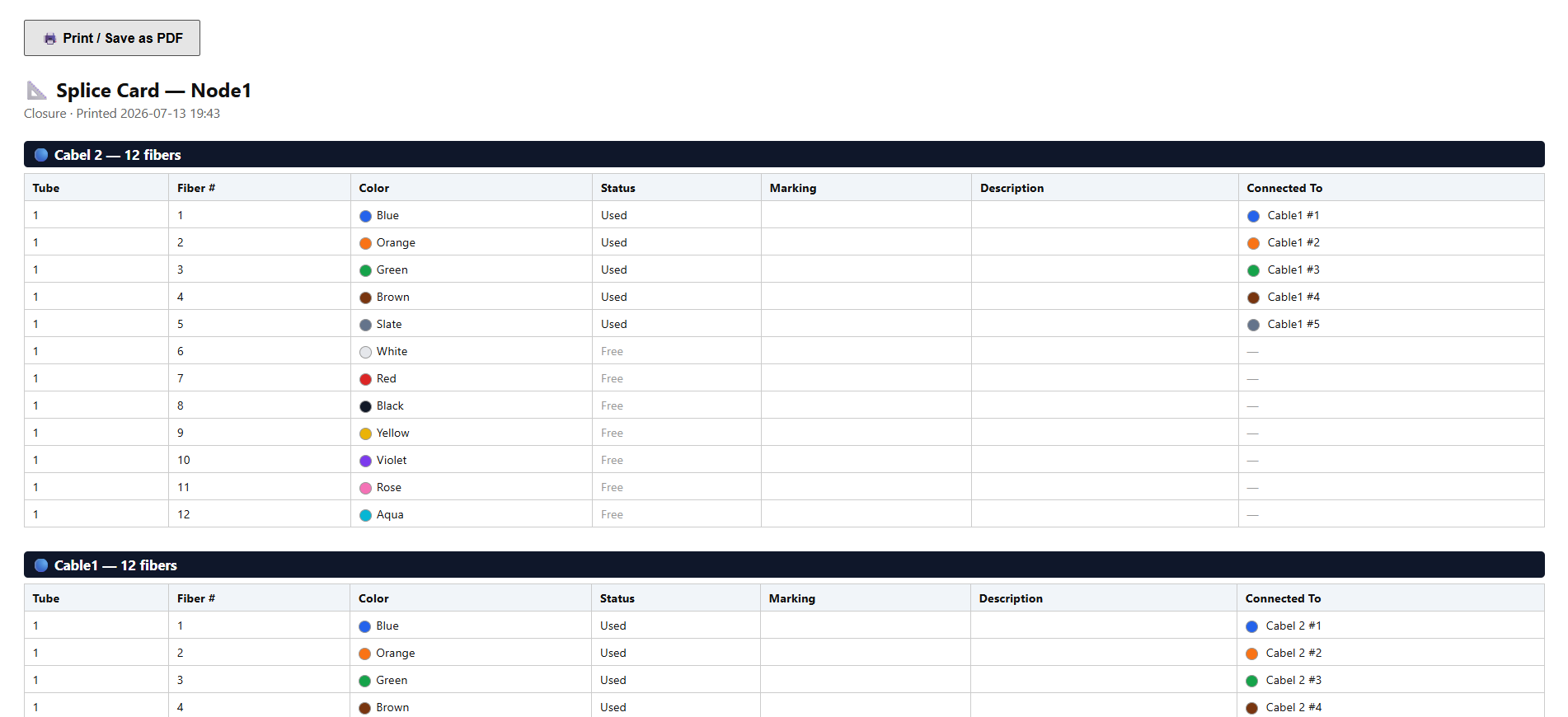
Splice card
05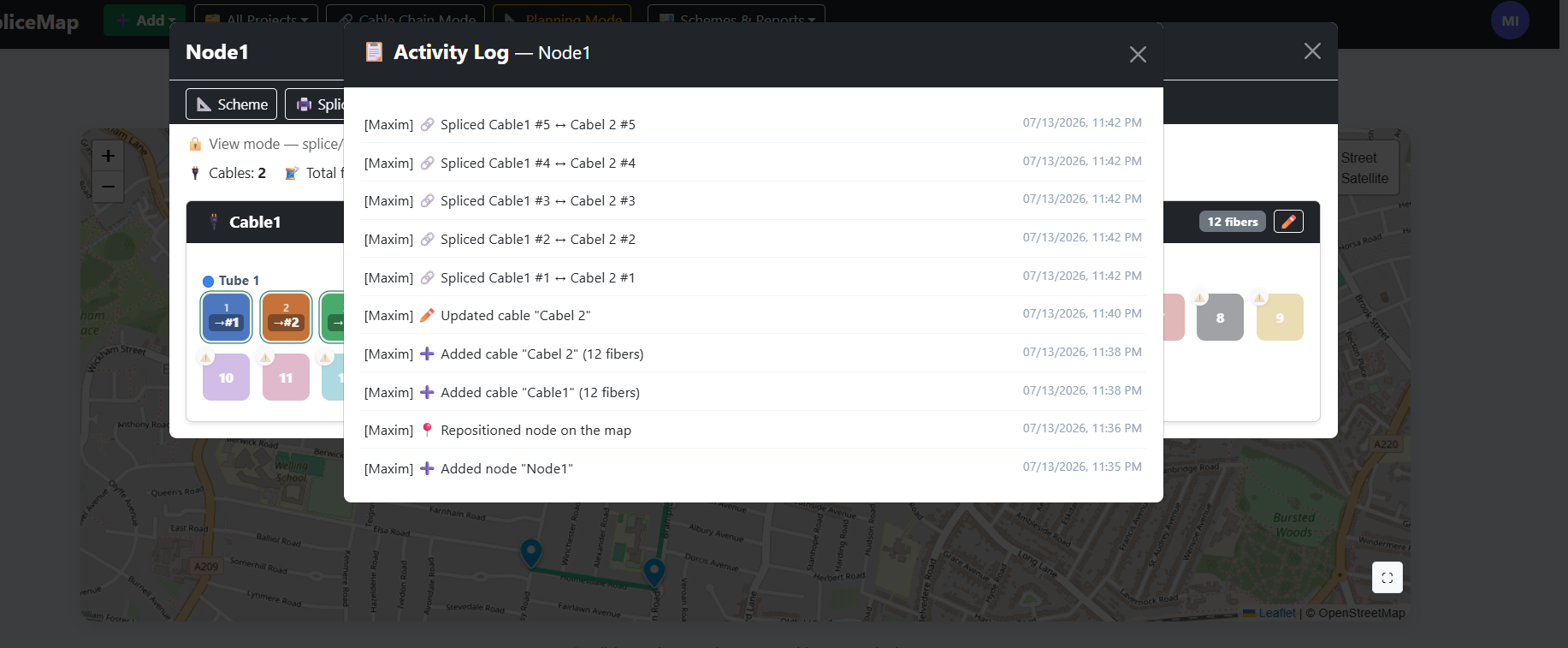
Activity logging
06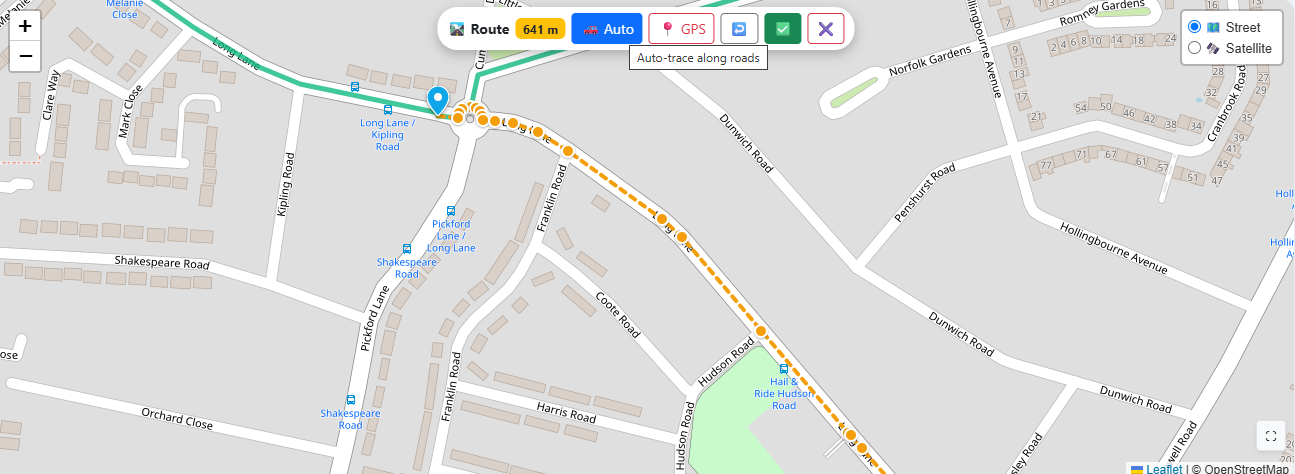
Cable auto trace
07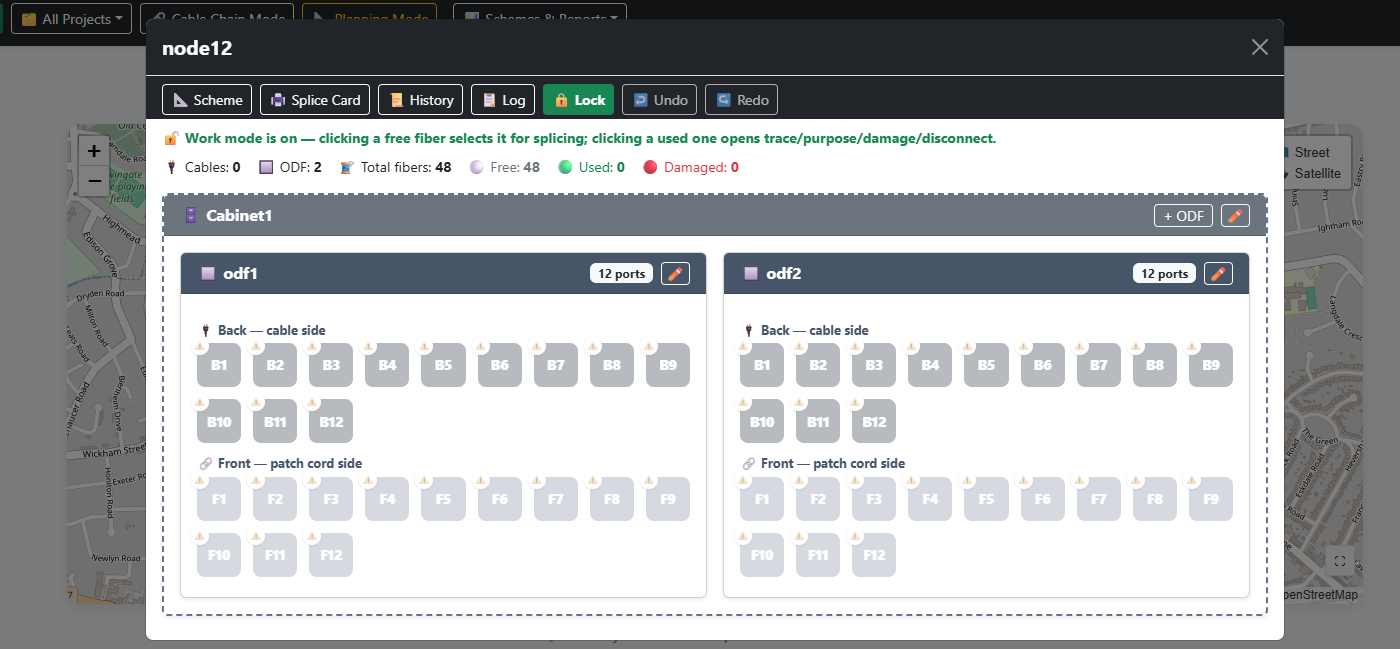
Cabinet
08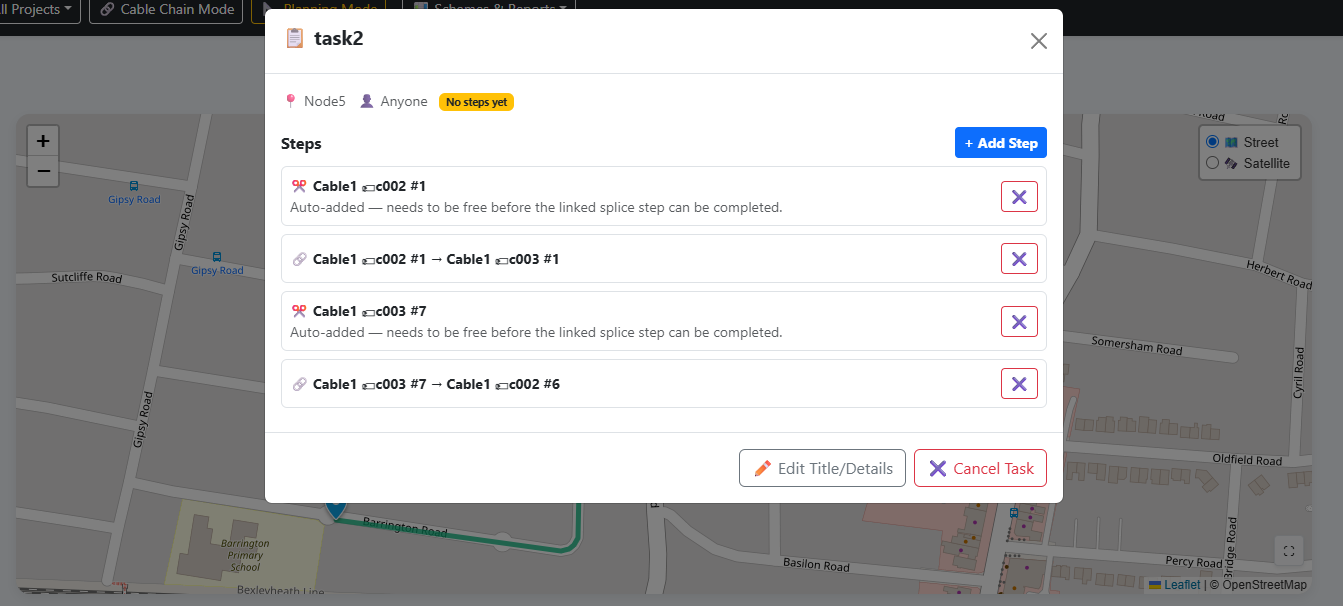
Tasks
09Priced to match the network you run.
Every network is a different shape — plans scale with node count, not with how many people on your team need access. A node is any managed point in your network — cabinets, ODFs, and closures. Cables, subscribers, and splitters aren't counted toward your total.
Up to 500 nodes
For smaller networks that need one accurate source of truth from day one.
- Optical network map
- Splice closure tracking
- ODF port management
- Connection records
- Role-based access
- Activity logging
- Planning mode
- OTDR fault localization
- Duct & conduit tracking
- Up to 5 team accounts
Up to 2,000 nodes
For growing operators managing multiple cabinets, ODFs, and field teams.
- Everything in Starter
- Subscriber binding
- In-building vertical mapping
- Works as an app (PWA)
- Unlimited team accounts
- Priority support
Over 2,000 nodes
For large or multi-region networks with dedicated rollout and support needs.
- Everything in Professional
- Guided data migration
- Custom integrations
- Dedicated onboarding
- SLA-backed support
Starter and Professional are billed monthly. Enterprise pricing depends on network size and rollout scope — tell us about your network in the demo request and we'll follow up.
See your network
in SpliceMap.
Tell us a bit about your network and we'll walk you through the platform with a topology close to your own — ODFs, closures, splitters, and the connections between them.